Documentation
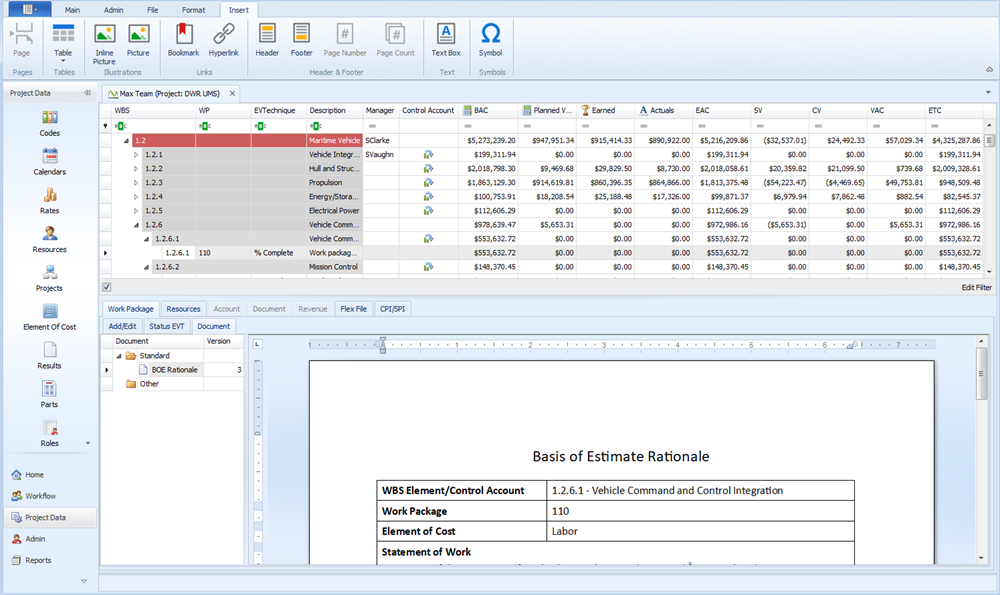
EVMax is designed for you enter documentation along with the time phased cost data in the main EVMax window. The Document function is a text view similar to Word. You can enter or paste text, format the content, add headers and footers, insert tables or images, and print the content. As an option, you can use an existing Word or text document as a template for the documentation.
The documentation is stored in the database so you can produce reports combining the time phased data with the text that describes the scope of work, assumptions, basis of estimate rationale, risk assessment, or other details about the elements of work. The documentation is also available to other authorized users. For example, they can review the documented basis of rationale so they have a better understanding of the thought process used to develop the cost estimate. The documentation can also provide historical source data for use on another project with similar work scope.
Standard documents are common documents you define as part of your estimating or planning process. For example, your process may have a defined standard format for documenting the scope of work or basis of estimate rationale. Standard documents can be assigned to the account (work breakdown structure (WBS)/control account) or work package level for use in the main EVMax window. You can add other user defined documents at either level in the main EVMax window that are specific to an account (WBS element or control account) or work package. EVMax automatically increments the version number when the document content is updated.
 Implementation Tips
- Create a small set of Word templates for common standard documents such as statements of work, work breakdown structure (WBS) dictionary, or basis of estimate rationale. That way other users can use the base template and modify it as needed for their project.
- Templates for standard documents can help to establish repeatable processes and procedures with defined standard content as a guide for users so they know what content is expected.
- As you are designing your document templates, think about how you can organize the information so is it easy to enter and maintain the documentation content. Consider creating a template for a single standard document with sections for the different types of content. That way the users can enter their content in a single document and select the sections that apply for their project.
- You can also create templates for your own use. You may want to do this for other documents specific to a project or work element.
What do you want to do?
- Add Project Standard Documents. You must be an administrative user to set the project level options.
- Add Other Documents. These are specific to an account (WBS element or control account) or work package.
- Enter or Edit Documentation
Main EVMax Window, Work Package Document Tab
Standard View, File tab
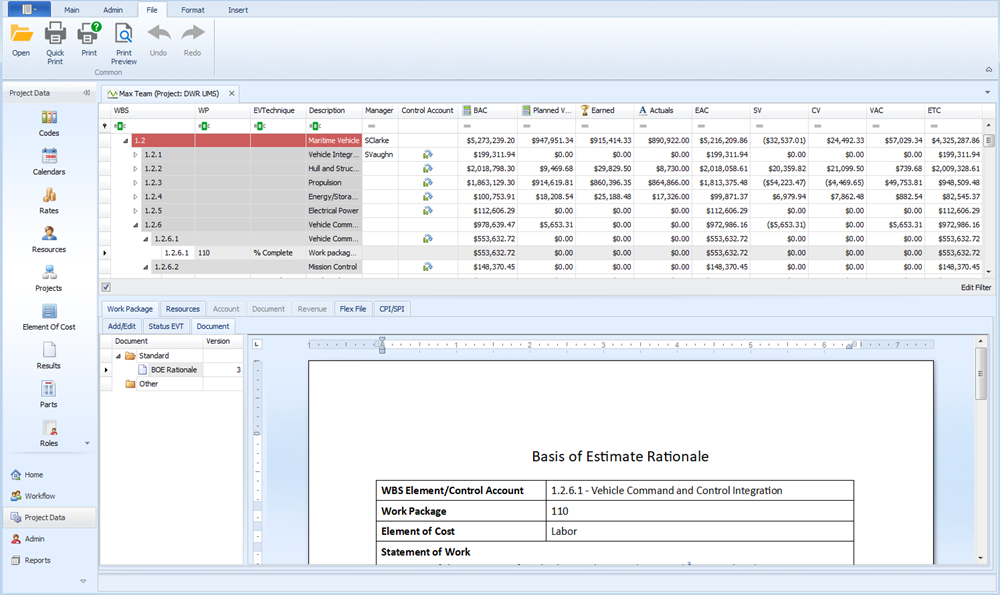
Standard View, Format tab
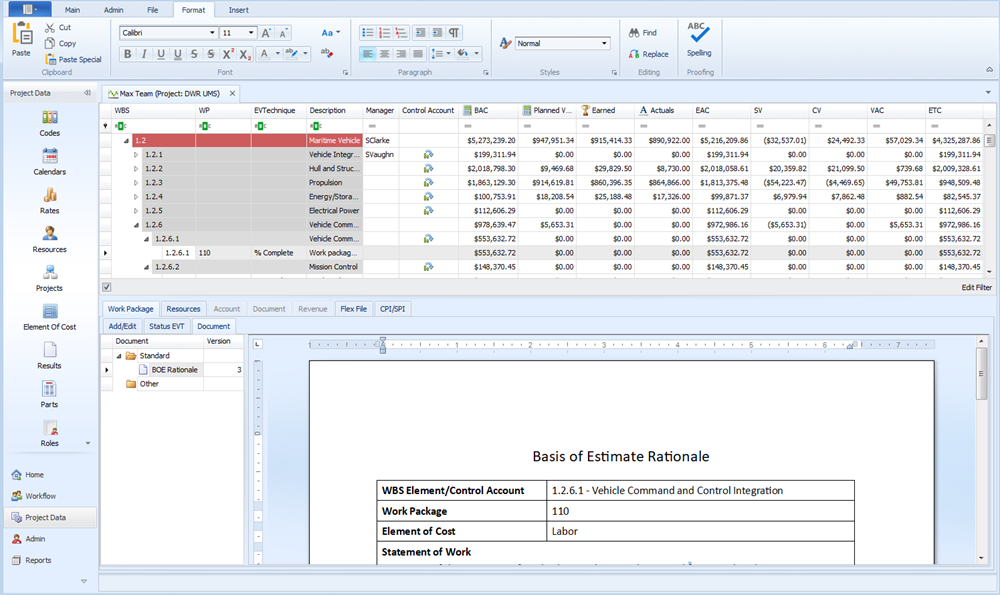
Standard View, Insert tab