Reports
EVMax includes a set of standard reports with output options you can use to select the level of data detail, apply filters, and set other data controls such as subtotals and totals. EVMax also includes the framework to create reports combining the cost data with documentation text, custom pivot table reports, or other user defined reports. Once you set your options for a standard report or create a new report, you can save your settings as a template for future use. Selected reports can also be produced for groups of projects based upon the enterprise nodal structure (ENS) you have defined in EVMax.
The different reporting options available in EVMax are described below.
 Pivot Report
Group of Projects or Single Project
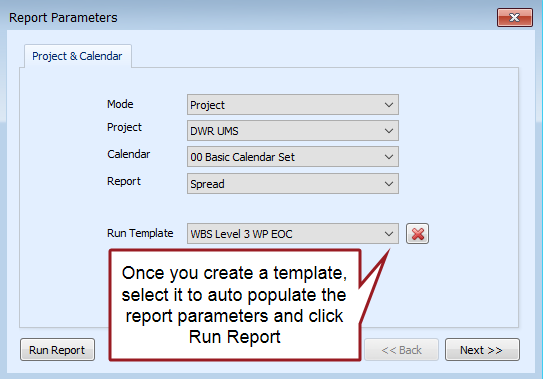
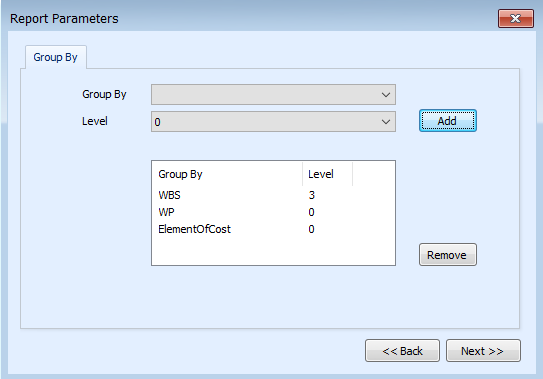
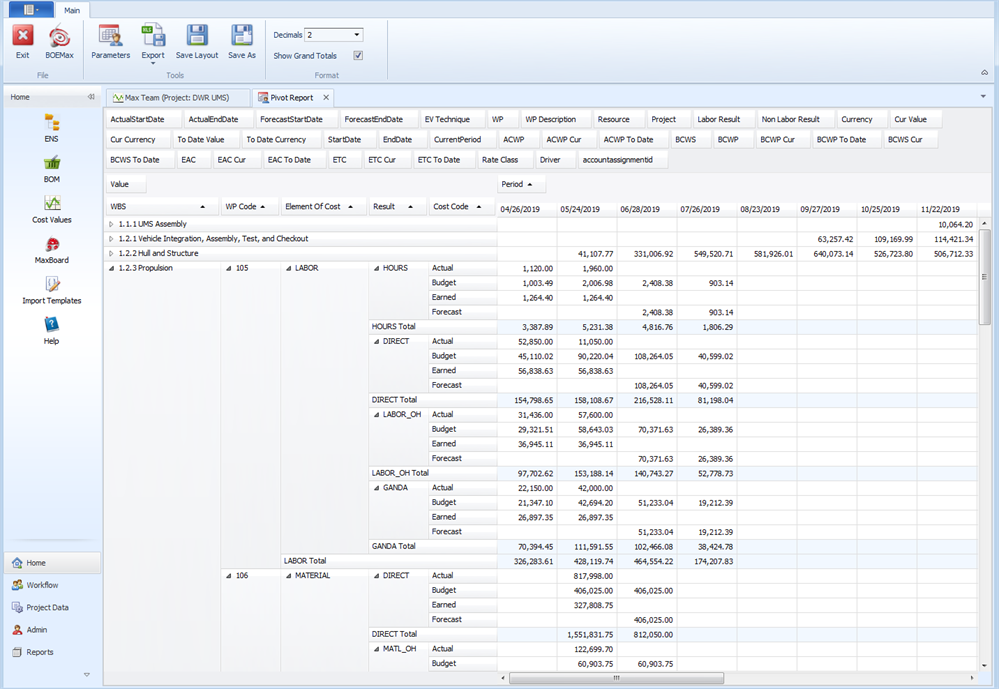
Pivot reports are custom reports you create to fit your needs. You use a dialog box with a series of tabs to set up the report parameters such as the project, calendar, results, custom report results, grouping criteria, and set of available fields. This creates a base pivot table framework. Simply drag the available fields to determine the report rows, columns, and pivot cell. As desired, you can save your custom pivot report as a template so you can reproduce your custom report at will. You can apply sorts and filters to the report as desired or export the data to an Excel spreadsheet.
Example Pivot Report Parameters dialog box options
Project & Calendars tab
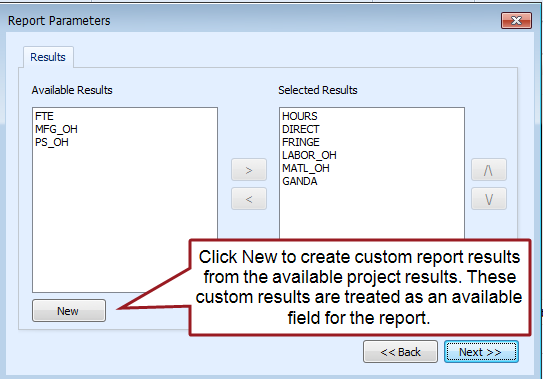
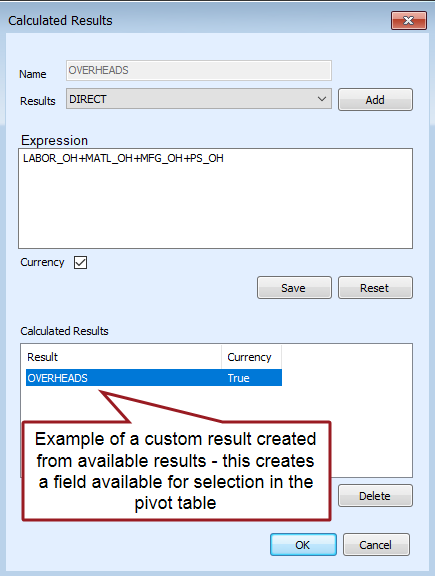
Results tab with example of custom result
Group By tab
Cost Report Group tab

Example Pivot Report
IPMR Formats
Group of Projects or Single Project
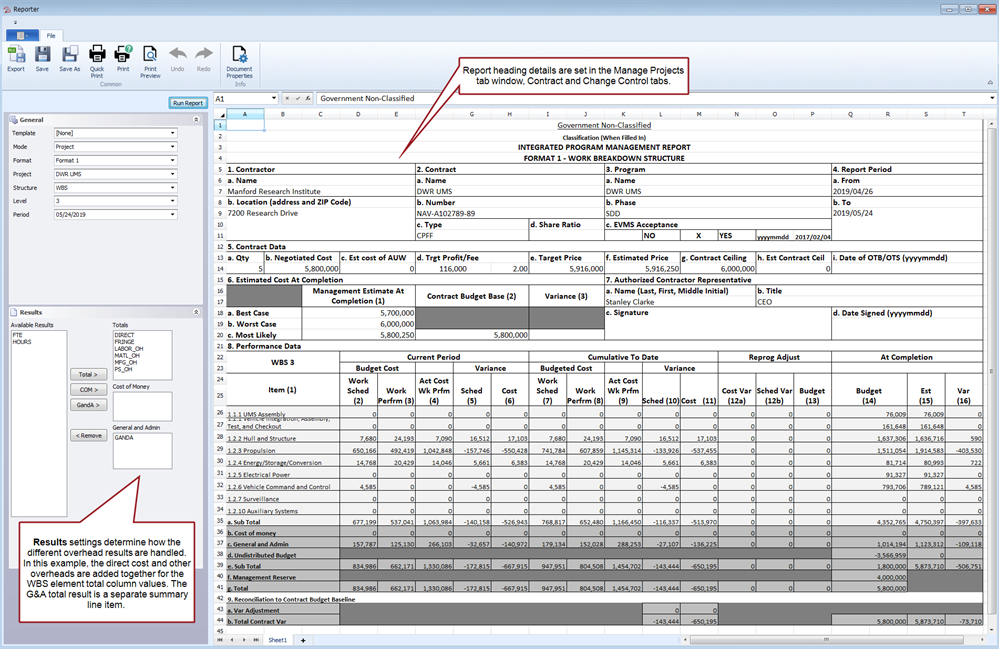
The Integrated Performance Management Reports (IPMR) are standard reports you can use for internal management needs or to provide performance reports to your customer. The IPMR Data Item Description (DID), DI-MGMT-81861A, is often included as a contractual reporting requirement for government customers and are often tailored for the contract. The report options in EVMax also include XML data exports for when you need to submit the reports electronically to your customer. The list of IPMR report formats include:
- Format 1 - Work Breakdown Structure (report or electronic deliverable).
- Format 2 - Organizational Categories (report or electronic deliverable.
- Format 3 - Baseline (report or electronic deliverable). Provided you have enabled the change control log when you have imported a project from BOEMax to create a new project in EVMax, you can include the change log transactions in the report (Block 6. b. Baseline Changes section).
- Format 4 - Staffing (report or electronic deliverable).
- Format 5 - Explanations and Problem Analyses (report or electronic deliverable). Add four Standard Documents at the WBS/control account level to enter the narrative text to explain the variances, describe the impact, discuss the corrective action, and provide a monthly summary for the applicable WBS elements or control accounts. See Add Project Standard Documents and Enter or Edit Documentation.
- Format 6 - Integrated Master Schedule (electronic deliverable). Use your schedule tool to produce this deliverable.
- Format 7 - Electronic History and Forecast File (electronic deliverable).
Example IPMR Format 1, Basic Option Settings
IPMDAR Dataset
Group of Projects or Single Project
The Integrated Performance Management Data and Analysis Report (IPMDAR) is an electronic data deliverable that provides current contract performance status and forecast information. The IPMDAR Data Item Description (DID), DI-MGMT-81861B, is often included as a contractual reporting requirement for government customers and supersedes the IPMR DID. The data deliverable is a set of JSON encoded data files that conform to the IPMDAR File Format Specifications (FFS) and Data Exchange Instructions (DEI). The output options in EVMax are used to produce the Contract Performance Dataset (CPD), the set of JSON encoded data files for the time phased cost data. Once you produce the JSON encoded data files, you can view them in the Reporter window should you want to review the files before sending them to your customer.
Example IPMDAR Option Settings

Log Report of Budget Changes
Single Project
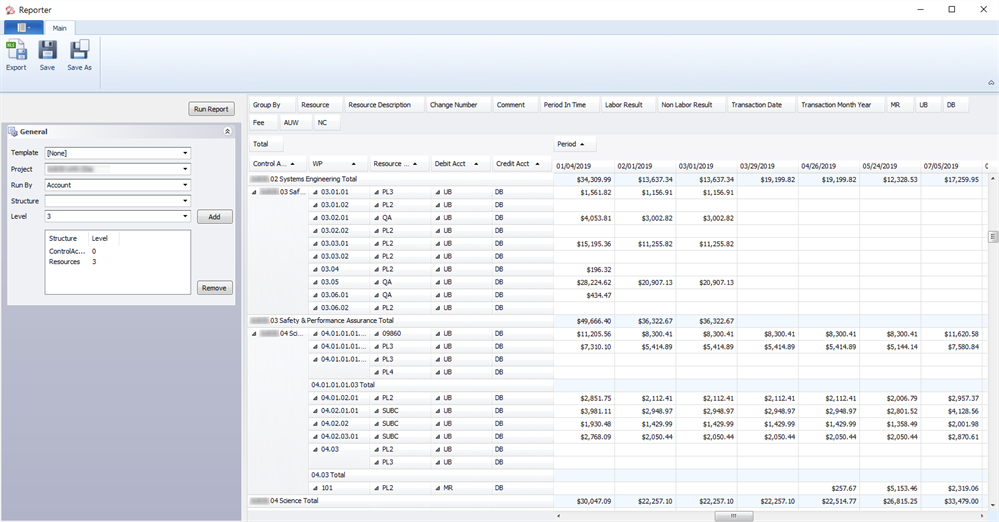
The Log Report is a standard report to review a project's contract budget base transactions when you have implemented the Change Control Workflow Process to manage changes to the budget data. Ideally you have enabled the change control log when you have imported a project from BOEMax to create a new project in EVMax so all transactions are recorded from the beginning. When changes are approved, the log records the debit and credit transactions such as moving budget from management reserve to distributed budget for specific control accounts to handle realized risks. The log also records changes to the project level contract budget base. The Log Report is a simple pivot report with a set of General output options to select the project and structures. You can apply sorts and filters to the report as desired or export the data to an Excel spreadsheet.
Example Log Report, Control Account Option Settings
Rates Report
Single Project
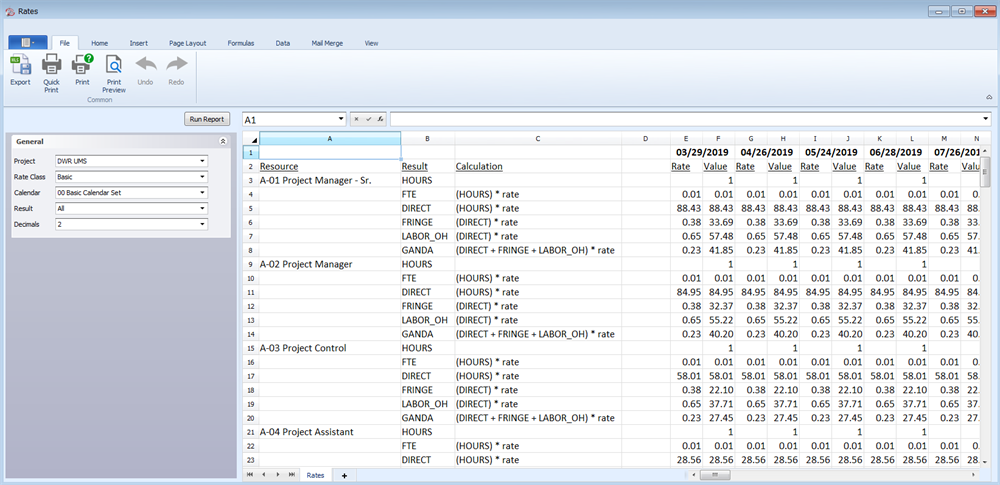
The Rates Report is a standard report you can use to review the time phased rate details for the resources defined in the project's resource structure. This is a simple report with set of General output options to select the project, rate class, basic or reporting calendar, all or selected results, and decimal setting.
Example Rates Report, Basic Option Settings
User Reports
Group of Projects or Single Project
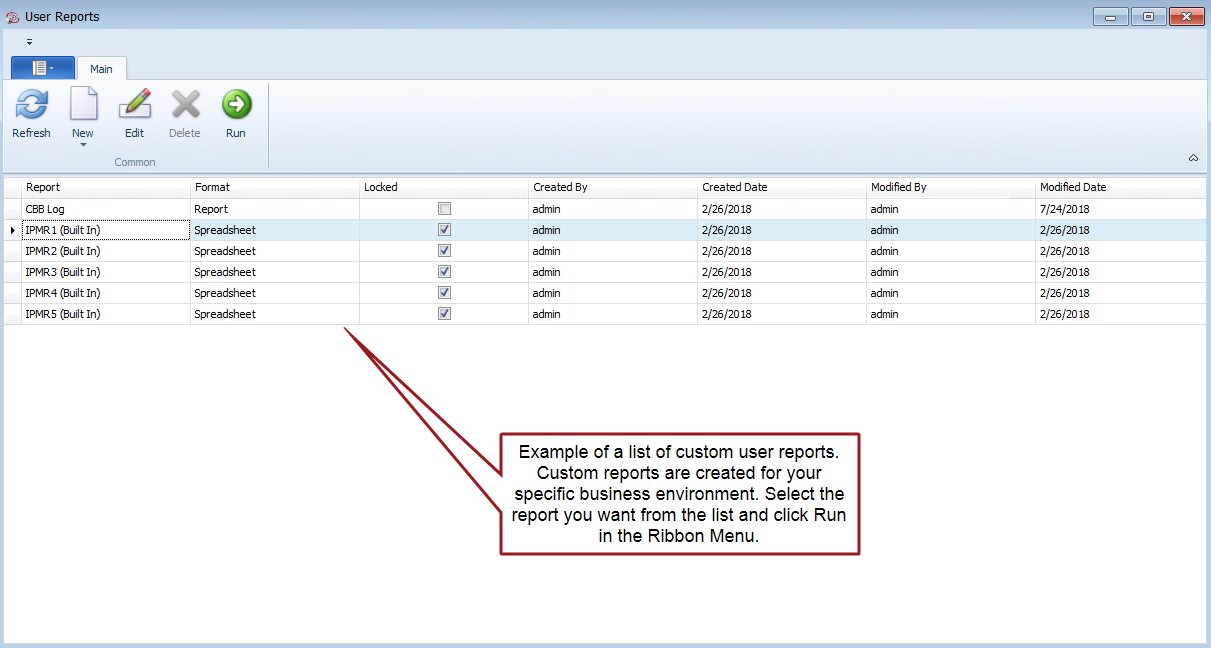
These reports are specific to your business environment. They are often designed to include user defined code structures and fields or other details to support your internal processes.
Example List of Custom User Reports